How to Fix "App Not Installed" Error When Installing IC7 Game APK
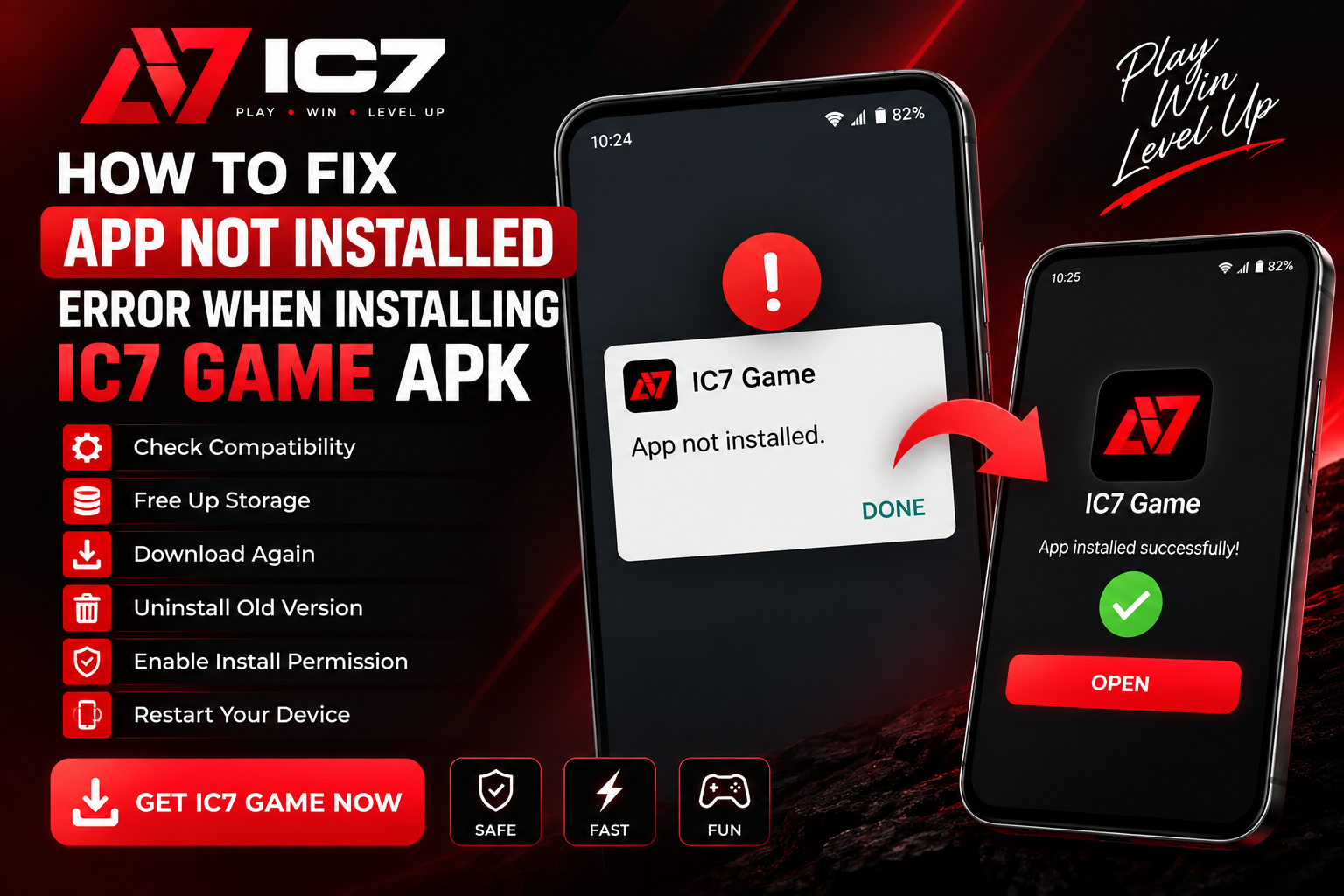
Having trouble installing the IC7 Game APK? Learn how to fix the common “App Not Installed” error, check APK compatibility, enable the required Android settings, free up storage, and troubleshoot issues with an IC7 APK Download.
How to Fix "App Not Installed" Error When Installing IC7 Game APK
Trying to Install IC7 Game on your Android phone but seeing the "App Not Installed" error? This is a common Android installation problem and can happen for several reasons, including an incompatible APK, insufficient storage, an existing version of the app, corrupted APK files, or Android security settings.
In this guide, we explain the most common ways to fix the problem so you can troubleshoot your IC7 APK Download and install the application correctly.
Why Does the "App Not Installed" Error Appear?
Android may reject an APK when the package cannot be installed correctly. The exact reason can vary depending on your Android version, device, existing applications, and the APK file.
Common causes include:
- Insufficient storage space
- Incompatible Android version
- Corrupted or incomplete APK download
- An older version of the same application is already installed
- Conflicting application signatures
- Unsupported CPU architecture
- Android security restrictions
- Installation from an unsupported file format
1. Check Your Phone's Storage
One of the first things to check before installing an APK is available storage. Android may fail to install an application when there isn't enough free space for the APK and its installation files.
Open your phone's Settings → Storage and check how much free space is available.
If your storage is nearly full, remove unnecessary files, videos, downloads, or unused applications and then try the installation again.
2. Check Android Compatibility
Different Android applications require different Android versions. If your device is running an older version of Android than the APK supports, installation may fail.
Before starting an IC7 Download APK, check the application's stated Android requirements and compare them with your phone's Android version.
3. Download the APK Again
A damaged or incomplete APK can cause the "App Not Installed" message. This can happen if the download was interrupted or the file was modified or corrupted.
Delete the existing APK and download it again from the legitimate source you intend to use.
After downloading, check that the file has completed downloading before opening it.
4. Check Whether an Older Version Is Already Installed
If another version of the same application is already installed on your phone, Android may detect a package or signing conflict.
Go to:
Settings → Apps → Installed Apps
Search for the existing IC7 application. If you already have an older version installed, consider updating it through the legitimate update method rather than installing an unrelated APK over it.
If you decide to uninstall the existing application, remember that uninstalling an app can remove locally stored app data.
5. Check Android's APK Installation Permission
Modern Android versions can restrict applications from installing APK files obtained outside the Google Play Store.
If you are intentionally installing an APK from a legitimate source, Android may ask you to allow the application you used to open the APK, such as your browser or file manager, to install unknown applications.
The exact menu can differ between Samsung, Xiaomi, OnePlus, Google Pixel, and other Android devices.
Look under:
Settings → Security / Privacy → Install Unknown Apps
Only enable this permission for a source you trust, and disable it again when it is no longer needed.
6. Make Sure You Are Installing an APK File
Not every Android application download is a single APK file. Some applications are distributed using formats such as APK bundles or split APK packages.
If the downloaded file is not a standard APK, tapping it directly may not install the application.
Check the file extension before attempting the installation. If the download is a bundle or another package format, use the installation method specifically provided by the legitimate distributor.
7. Restart Your Android Phone
A simple restart can sometimes resolve temporary Android package installer or storage problems.
Restart your phone and try the installation again after the device has completely booted.
8. Check for Duplicate or Conflicting Apps
Some Android phones provide features such as Dual Apps, App Clone, or Second Space. These features can sometimes create multiple instances of an application.
If you previously installed a different version of the same application, check whether a cloned or duplicate version exists and whether it is causing a package conflict.
9. Check the APK's CPU Architecture
Android devices use different processor architectures. An APK built only for an architecture that your phone does not support may fail to install or run correctly.
If the distributor provides multiple APK variants, make sure you use the variant intended for your device.
10. Avoid Modified or Unverified APK Files
APK files downloaded from unknown websites can be modified, outdated, corrupted, or potentially unsafe.
For a safer IC7 APK Download, use the official or legitimate distribution channel whenever one is available. Check the publisher, file information, and requested permissions before installing an application.
Do not disable Android security features simply to force an unknown APK to install.
Quick Fix Checklist
If you want to quickly troubleshoot the "App Not Installed" error, go through this checklist:
- Check available storage.
- Confirm that your Android version is compatible.
- Download the APK again if the file may be corrupted.
- Check whether an older version of the application is installed.
- Check the Install Unknown Apps permission if appropriate.
- Confirm that the file is actually an APK.
- Check for cloned or duplicate versions of the app.
- Restart the phone and try again.
- Use a legitimate and trusted APK source.
Frequently Asked Questions
Why can't I Install IC7 Game APK?
The problem can be caused by insufficient storage, an incompatible Android version, a damaged APK, an existing conflicting version, or Android installation restrictions.
How can I fix the IC7 APK "App Not Installed" error?
Start by checking storage and Android compatibility. Then download the APK again from a trusted source, check for an existing version of the application, and review the appropriate Android installation settings.
Can I install an APK on every Android phone?
Not necessarily. APK compatibility depends on factors such as Android version, device architecture, application requirements, and package configuration.
Is an APK safe to install?
An APK is not automatically safe simply because it is an APK file. Download applications only from sources you trust and verify the publisher and file before installation.
Final Thoughts
The "App Not Installed" message does not necessarily mean that your Android phone has a serious problem. In many cases, the issue is related to storage, compatibility, an incomplete download, package conflicts, or installation permissions.
If you are trying to Install IC7 Game, work through the troubleshooting steps above one by one. A fresh and compatible IC7 APK Download from a legitimate source, combined with the correct Android installation settings, can help identify the cause of the problem.
Play on IC7 Game App
Experience real-time Aviator, Dragon Tiger & 3 Patti on official IC7.COM.
Related Guides & Articles
Earn Rewards From Referrals: How the IC7 Game Referral Program Works
How to Troubleshoot IC7 Game Login & Account Verification in 2026
Official IC7 APK
Fast, certified fair multiplayer gaming app for Android and iOS devices.
Download IC7 Game v3.4.2 • 100% Virus-Free & Verified