How to Troubleshoot IC7 Game Login & Account Verification in 2026
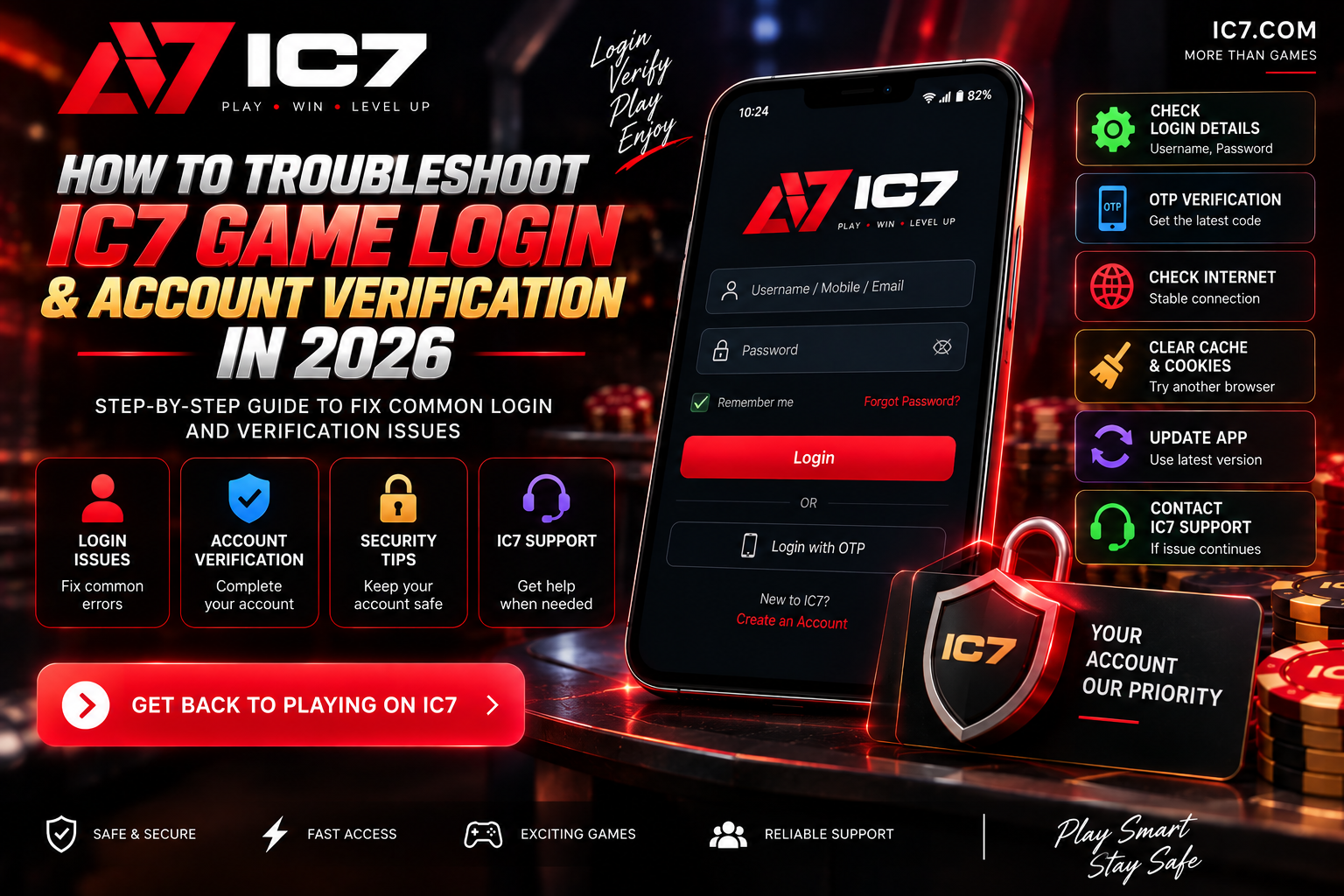
Having trouble with IC7 Login or account verification? This 2026 troubleshooting guide explains how to check your credentials, verification details, browser settings, network connection, OTP issues, and common IC7 Game Account problems.
How to Troubleshoot IC7 Game Login & Account Verification in 2026
Having trouble with IC7 Login or accessing your IC7 Game Account? Login problems can happen for several reasons, including incorrect account details, verification issues, browser problems, network errors, expired OTPs, or temporary service problems.
This guide explains practical steps you can follow to troubleshoot common IC7 login and account verification problems in 2026.
Why Is IC7 Login Not Working?
An IC7 Login problem does not always mean that your account is unavailable. The problem may be caused by something on your device, browser, internet connection, or the account verification process.
Common causes include:
- Incorrect username, mobile number, or password
- Expired or incorrect OTP
- Incomplete account verification
- Browser cache or cookie problems
- Weak or unstable internet connection
- Outdated application version
- Temporary server or service issues
- Account security restrictions
- Using an incorrect or unofficial website address
1. Check Your IC7 Login Details
The first step is to carefully check the information entered on the login screen. Make sure there are no typing errors in your username, registered mobile number, email address, or password.
Also check whether your keyboard has Caps Lock enabled. Passwords are normally case-sensitive, so an uppercase or lowercase difference can prevent successful login.
2. Use the Password Recovery Option
If you cannot remember your password, use the password recovery option provided on the legitimate IC7 login page instead of repeatedly entering incorrect passwords.
Follow the verification instructions shown on the platform and create a new password if the recovery process is available.
Never share your password or one-time verification code with another person claiming to provide IC7 Support.
3. Troubleshoot IC7 OTP Verification
One-time passwords can sometimes fail because the code has expired, multiple codes were requested, or there is a delay in receiving the message.
If your IC7 verification code is not working:
- Wait briefly for the latest code to arrive.
- Use the newest OTP rather than an older code.
- Check that your registered mobile number or email is correct.
- Make sure your phone has network connectivity.
- Request another code only when the platform allows it.
- Enter the code exactly as received.
Avoid repeatedly requesting OTPs because multiple requests can sometimes make it difficult to determine which code is currently valid.
4. Check Your IC7 Game Account Verification Status
Some account features may require identity or account verification. If your IC7 Game Account is asking for additional verification, carefully follow the instructions displayed by the platform.
Before submitting sensitive information, confirm that you are on the correct IC7 website or official application. Do not send identity documents, passwords, OTPs, or payment information through random WhatsApp, Telegram, social media, or email contacts claiming to be support staff.
5. Clear Browser Cache and Cookies
If IC7 Login works on one device but not another, the problem may be related to the browser.
Try these steps:
- Close the IC7 website.
- Clear the browser cache and cookies for the affected site.
- Restart the browser.
- Open the login page again.
- Try a private/incognito browser window.
You can also test another modern browser to determine whether the problem is specific to your current browser.
6. Check Your Internet Connection
A login page may fail to load completely when the internet connection is unstable. Try switching between Wi-Fi and mobile data to determine whether the connection is causing the problem.
If other websites are also loading slowly or failing to open, resolve the network issue first and then try the IC7 Login process again.
7. Update the IC7 App
If you are using an IC7 application, check whether you have the latest version available from the legitimate distribution source.
Older application versions can sometimes have compatibility problems with newer operating-system versions or backend services.
Avoid downloading application files from unknown third-party websites. An APK should only be installed when you can verify its source and understand the security risks involved.
8. Try IC7 Login From Another Device
Testing your account on another trusted device can help identify where the problem is occurring.
For example:
- If login fails on every device, the problem may be account-related.
- If login works on another device, the original device or browser may be the cause.
- If the website does not load anywhere, there may be a network or service-side issue.
9. Check Date and Time Settings
Incorrect device date or time settings can occasionally cause problems with secure connections, authentication, or time-sensitive verification codes.
Enable automatic date and time on your phone or computer and then try the login process again.
10. Do Not Keep Guessing Your Password
Repeatedly entering incorrect credentials is not a good troubleshooting strategy. Depending on the platform's security controls, repeated unsuccessful attempts may trigger temporary restrictions or additional verification.
If you have forgotten your password, use the available account recovery process instead.
Common IC7 Login Error Situations
| Problem | Possible Cause | What to Try |
|---|---|---|
| Wrong password | Incorrect credentials | Check credentials or use password recovery |
| OTP not received | Network or delivery delay | Check connection and request a new code |
| OTP expired | Code was entered too late | Request and use the latest OTP |
| Login page not loading | Browser or network issue | Clear cache and test another connection |
| App login failure | Outdated application | Check for an official update |
| Verification required | Account verification incomplete | Follow the verification instructions shown by the platform |
IC7 Support: What Information Should You Provide?
If the normal troubleshooting steps do not solve the problem, use the support channel provided by the legitimate IC7 platform.
When contacting IC7 Support, provide useful technical information such as:
- The exact login problem
- The error message displayed on screen
- Your device type
- Operating-system version
- Browser or application version
- Approximate time when the problem occurred
- Steps you already tried
Do not provide your password, OTP, PIN, recovery code, or other secret authentication information to support personnel.
How to Take a Screenshot of an IC7 Login Error
A screenshot can make a technical problem easier to understand. Capture the error message or login screen and remove any sensitive information before sharing it.
Never share screenshots containing passwords, OTPs, payment details, identity numbers, or other private account information.
Is IC7 Login Safe?
A secure login connection is an important part of protecting an online account, but the presence of HTTPS alone does not prove that a website or gaming service is legitimate, fair, or suitable for every user.
Before entering account information, check the domain carefully and make sure it is the address you intended to visit. Be particularly careful with websites that use similar-looking domain names.
How to Avoid Fake IC7 Support Accounts
Account problems can attract scammers who pretend to be customer support representatives. They may ask for an OTP, password, payment, remote-access permission, or identity documents.
Use these basic security rules:
- Use support information displayed by the legitimate platform.
- Never share your password or OTP.
- Do not install remote-access software because a stranger asks you to.
- Do not send money to someone claiming they can unlock your account.
- Check the website domain before logging in.
- Be cautious with unsolicited messages on social media or messaging apps.
IC7 Login Troubleshooting Checklist
Before contacting IC7 Support, go through this quick checklist:
- ✔ Check username, mobile number, or email
- ✔ Check your password
- ✔ Use password recovery if necessary
- ✔ Check your OTP
- ✔ Request the latest verification code
- ✔ Check your internet connection
- ✔ Clear browser cache and cookies
- ✔ Try another browser
- ✔ Check your device date and time
- ✔ Update the application if applicable
- ✔ Verify that you are using the correct IC7 website
- ✔ Contact the legitimate support channel if the problem continues
IC7 Game Account: When Should You Contact Support?
Contact the platform's legitimate support channel when normal troubleshooting does not resolve the problem, especially if you cannot complete account verification, access your account, or resolve a persistent error.
Give support the error details and troubleshooting steps you have already completed. This can make it easier for them to understand the issue.
Frequently Asked Questions
Why can't I log in to my IC7 Game Account?
Check your login credentials, internet connection, browser cache, application version, and account verification status. If the problem continues, use the legitimate IC7 Support channel.
Why am I not receiving my IC7 OTP?
Check your mobile network or email connection and make sure the registered contact information is correct. Wait briefly and request a new verification code if the platform provides that option.
Why does my IC7 OTP say it is invalid?
The code may have expired or you may have requested multiple codes. Use the newest OTP and enter it before it expires.
What should I do if I forget my IC7 password?
Use the password recovery option provided on the legitimate IC7 login page. Do not give your password to another person claiming to recover your account.
Can I use another browser for IC7 Login?
Yes. Testing another modern browser can help determine whether the problem is caused by browser cache, cookies, extensions, or other local browser settings.
Should I share my OTP with IC7 Support?
Do not share one-time authentication codes with another person. Treat OTPs and passwords as confidential account credentials.
What if IC7 Login works on another device?
If the account works on another trusted device, check the original device's browser, application version, network connection, date and time settings, and cached data.
Final Thoughts
Most IC7 Login problems can be narrowed down by checking account credentials, OTP verification, browser settings, network connectivity, and application versions.
If the problem continues, use the support method provided by the legitimate platform and provide the exact error message and relevant technical details. Most importantly, protect your IC7 Game Account by keeping passwords and verification codes private and checking the website address before entering sensitive information.
Play on IC7 Game App
Experience real-time Aviator, Dragon Tiger & 3 Patti on official IC7.COM.
Related Guides & Articles
Is IC7 Game Safe & Fair? Certified RNG Algorithms and SSL Security Explained
Official IC7 APK
Fast, certified fair multiplayer gaming app for Android and iOS devices.
Download IC7 Game v3.4.2 • 100% Virus-Free & Verified